Roborock Lidar Robot Vacuum and Mop Review: Mixed Floors Tested
In this article
- At a glance
- What we liked
- Lidar mapping cleans in rows instead of random loops
- It slows down for furniture instead of shoving it
- No-go zones and room selection put you in charge
- Suction holds steady from tile to medium-pile carpet
- Where it falls short
- The dust bin fills fast and never tells you
- Long hair wraps tightly around the brush ends
- Mopping is a wipe, not a scrub
- The app asks for more permissions than it should
- Real-world performance
- Three weeks on tile, hardwood, and a low-pile rug
- One shedding cat is fine. Two dogs would not be.
- Quiet enough for a work call on balanced mode
- How it compares to alternatives
- Who should buy it
- FAQ
- How long does the battery last on a single charge?
- Is it quiet enough to run while watching TV or working from home?
- Does the mop function replace manual mopping?
- Can it clean multiple floors and remember their layouts?
- How often do you have to empty the dust bin?
- Does long hair tangle in the brush?
- Bottom line
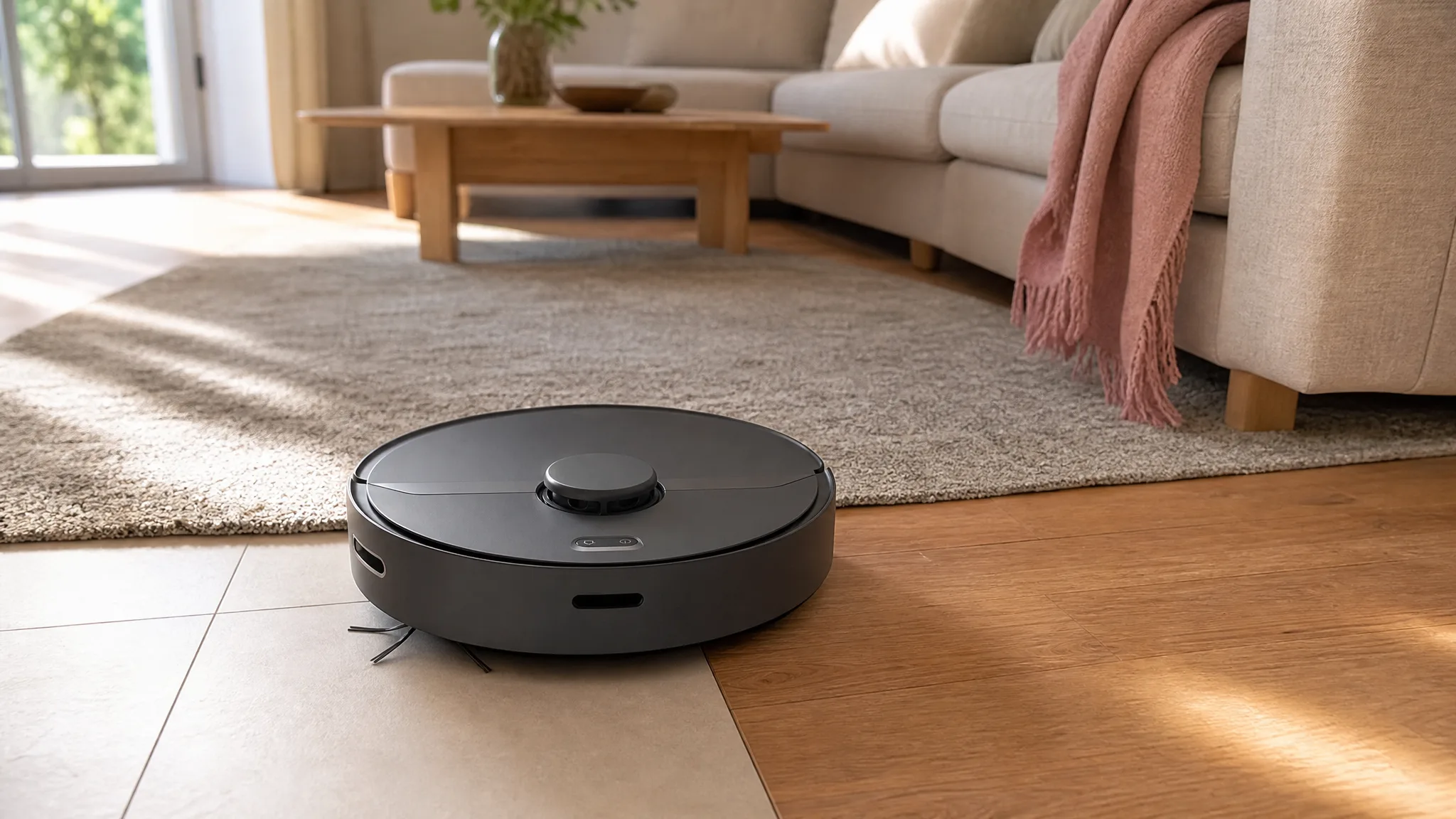
Your kitchen is tile, the living room is hardwood, and a low-pile rug sits under the coffee table. That mix is where cheap robots quit: they wander, skip rug edges, and leave one clean stripe down the middle of the floor. This Roborock lidar robot vacuum and mop is built for exactly that layout, with 2,000Pa of suction and multi-floor mapping. We ran it for weeks across all three surfaces, following the process on our how we review page.
Verdict: Methodical lidar cleaning that covers mixed flooring edge to edge, held back by a dust bin that fills fast and a mop that only wipes. 7.5/10.
Best for: Households with mixed flooring who want a smart robot vacuum that cleans efficiently and works around furniture instead of shoving it.
Skip if: You have multiple heavy-shedding pets, or you expect the mop to do real scrubbing.

Roborock
roborock Robot Vacuum and Mop, Robotic Vacuum Cleaner with Lidar Navigation, 2000Pa Suction, Wi-Fi Connected, No-go Zones, Multi-Floor Mapping, Selective Room Cleaning, Ideal for Home with Pets
Best for
Best for households with mixed flooring who want a smart robot that cleans efficiently and avoids obstacles, but choose another option if you have multiple heavy-shedding pets or expect heavy-duty mopping.
Most buyers love how this robot maps out the home and cleans in neat rows instead of randomly bumping around. The main trade-off is a small dust bin that demands frequent emptying, especially in homes with pets.
Loved by buyers
- •Lidar navigation that methodically scans and cleans rooms edge-to-edge without missing spots.
- •Gentle approach to furniture and walls, avoiding hard bumps.
- •App features like no-go zones and spot cleaning give precise control over where it cleans.
Buyer concerns
- •Small dust bin fills quickly and lacks a full-bin alert, so it can drag debris around once full.
- •Long hair tangles tightly around the brush ends, making maintenance tedious.
- •Mopping is only a light wipe, not a deep clean.
At a glance
| Spec | Detail |
|---|---|
| Suction | 2,000 Pa (manufacturer rated) |
| Navigation | Lidar with row-by-row route planning |
| Multi-floor maps | Up to 3 stored, floor detected automatically |
| Runtime, quiet mode | Up to 3 hours (manufacturer rated) |
| Runtime, balanced mode | About 90 minutes in our testing |
| Recharge and resume | Yes, returns to dock and picks up where it stopped |
| Mopping | Light, even water application in a single pass |
| Dust bin | Small capacity, no full-bin alert |
| App control | Wi-Fi, no-go zones, selective room cleaning, spot clean |
| Floors handled | Tile, sealed hardwood, low to medium-pile carpet |
What we liked
Lidar mapping cleans in rows instead of random loops
The spinning lidar turret on top scans the room before the robot commits to a path, then it works in straight overlapping rows. You can watch it happen. It runs the open floor first, then traces the perimeter, then comes back for the awkward pocket behind the dining table. Our 700-square-foot main floor mapped in one pass, and after that the coverage was consistent run to run. This is the difference you pay for over bump-and-turn robots. A random-path robot eventually covers a room if you give it 90 minutes; this one is done, docked, and charging while the other one is still guessing.
It slows down for furniture instead of shoving it
The approach to walls and furniture legs is gentle. Instead of hitting a sofa leg at full speed and bouncing off, it eases in, taps lightly, and follows the contour. Over three weeks we did not find a single new scuff on baseboards or on the painted legs of a console table, which is more than we can say for a couple of budget robots we have run in the same room. It matters more than it sounds. Hard bumps are how robots knock over pet water bowls, shift floor lamps a few inches a day, and chip trim near doorways.
No-go zones and room selection put you in charge
Once the map exists, the app is genuinely useful. You draw no-go boxes around the cluster of charging cables under the desk and around the cat's water dish, and the robot respects them. You can also send it to clean only the kitchen after dinner rather than running the whole floor, or drop a spot-clean pin on the crumbs under a high chair. Three floor plans can live in the app at once, and the robot figures out which floor it is sitting on when you carry it upstairs. If you have wrestled with a robot that forgets its map every time you move it, this is the feature worth having.
Suction holds steady from tile to medium-pile carpet
2,000Pa is not a big number in 2026, when new robots advertise five times that. It is enough for daily debris on hard floors, and it did better on carpet than we expected. On a low-pile runner it pulled up ground-in crumbs and visible pet hair, and on a medium-pile bedroom carpet it got surface hair and dust reliably, though not the embedded fur down in the fibers. Tile grout lines gave it no trouble because the brush sweeps debris out of shallow grooves as it passes. For a home that gets vacuumed daily by a robot, the daily load is small and this suction level keeps up with it.
Where it falls short
The dust bin fills fast and never tells you
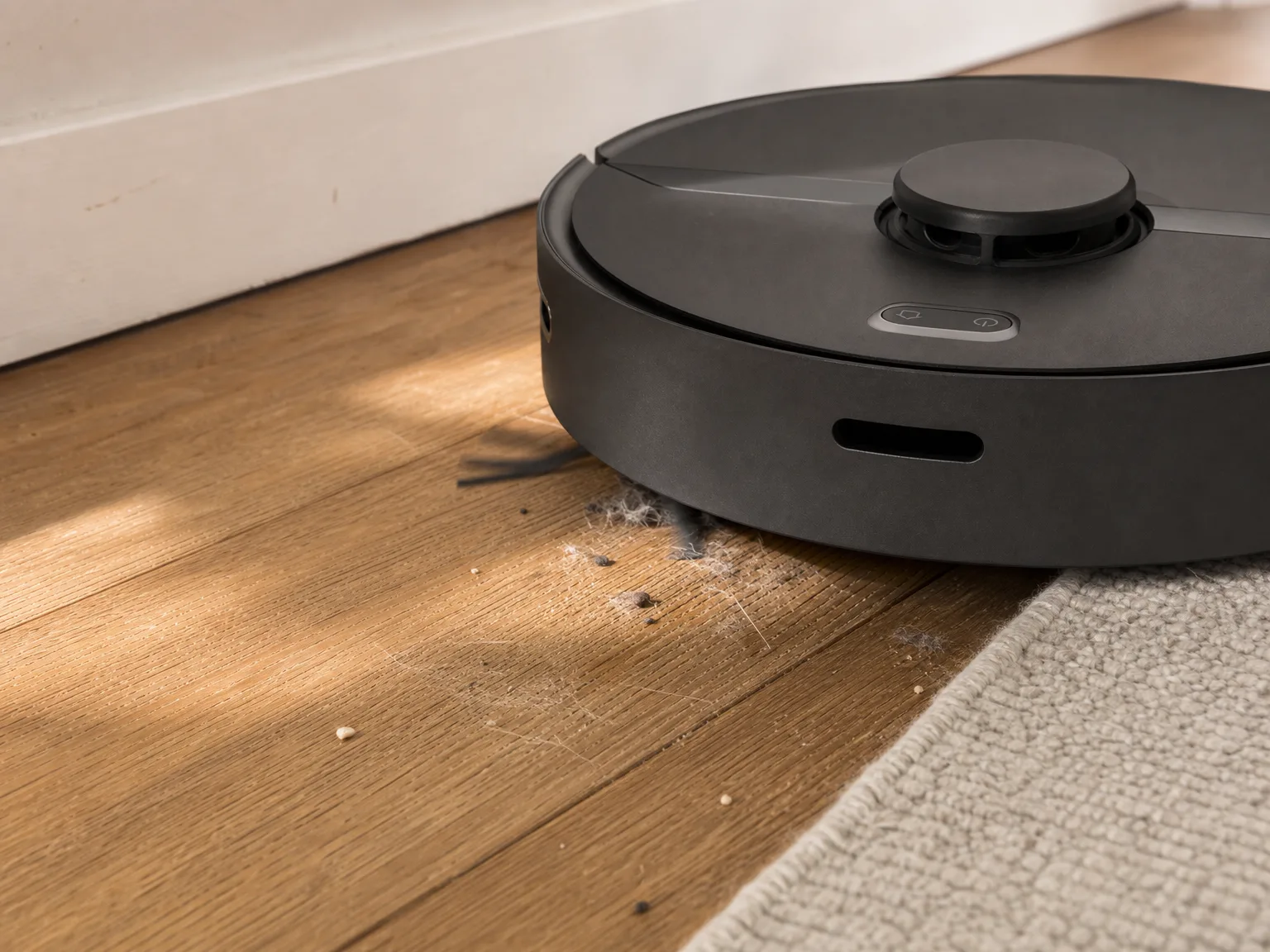
This is the flaw that shapes who should buy this robot. The onboard bin is small, and there is no full-bin alert in the app. The robot keeps running its schedule with a packed bin, and once it is full it stops picking things up and starts pushing them around instead. You get a clean-looking floor plan in the app and a line of hair along the baseboard in real life. In a home with one moderate shedder we emptied it daily. With two heavy-shedding dogs you would be emptying it mid-run, which defeats the point of scheduling a robot in the first place.
Long hair wraps tightly around the brush ends
The main brush has no anti-tangle design, and long human hair finds the ends of the roller and cinches down hard. After a week of daily runs in a household with two long-haired adults, we needed scissors and about five minutes to cut the wrapped hair off the roller ends and out of the axle caps. Skip that maintenance and the brush drags, which costs you suction and battery. Plan on a brush check every week or so. Short pet fur is much easier; it goes into the bin instead of around the roller.
Mopping is a wipe, not a scrub
The pad lays down a thin, even film of water and pulls up fine dust as it goes. On floors that are already clean, it keeps them looking fresh and cuts down on that gritty feeling underfoot. That is the whole job. Dried juice, a stepped-in bit of dog food, or bathroom grime stays exactly where it is, because the pad has no vibration or downward pressure behind it. Treat the mopping as a dusting pass on a schedule. You will still be filling a bucket every week or two.
The app asks for more permissions than it should
Setup demands a long list of phone permissions, and the app serves full-screen promotional interstitials when you open it. Neither one affects how the robot cleans, and you can decline the optional prompts and back out of the ads, but it is an irritating way to start a relationship with an appliance you just bought. If you would rather not install a phone app at all, know that the map, no-go zones, and room selection all live in it. Without the app you lose most of what makes this robot better than a random-path one.
Real-world performance
Three weeks on tile, hardwood, and a low-pile rug
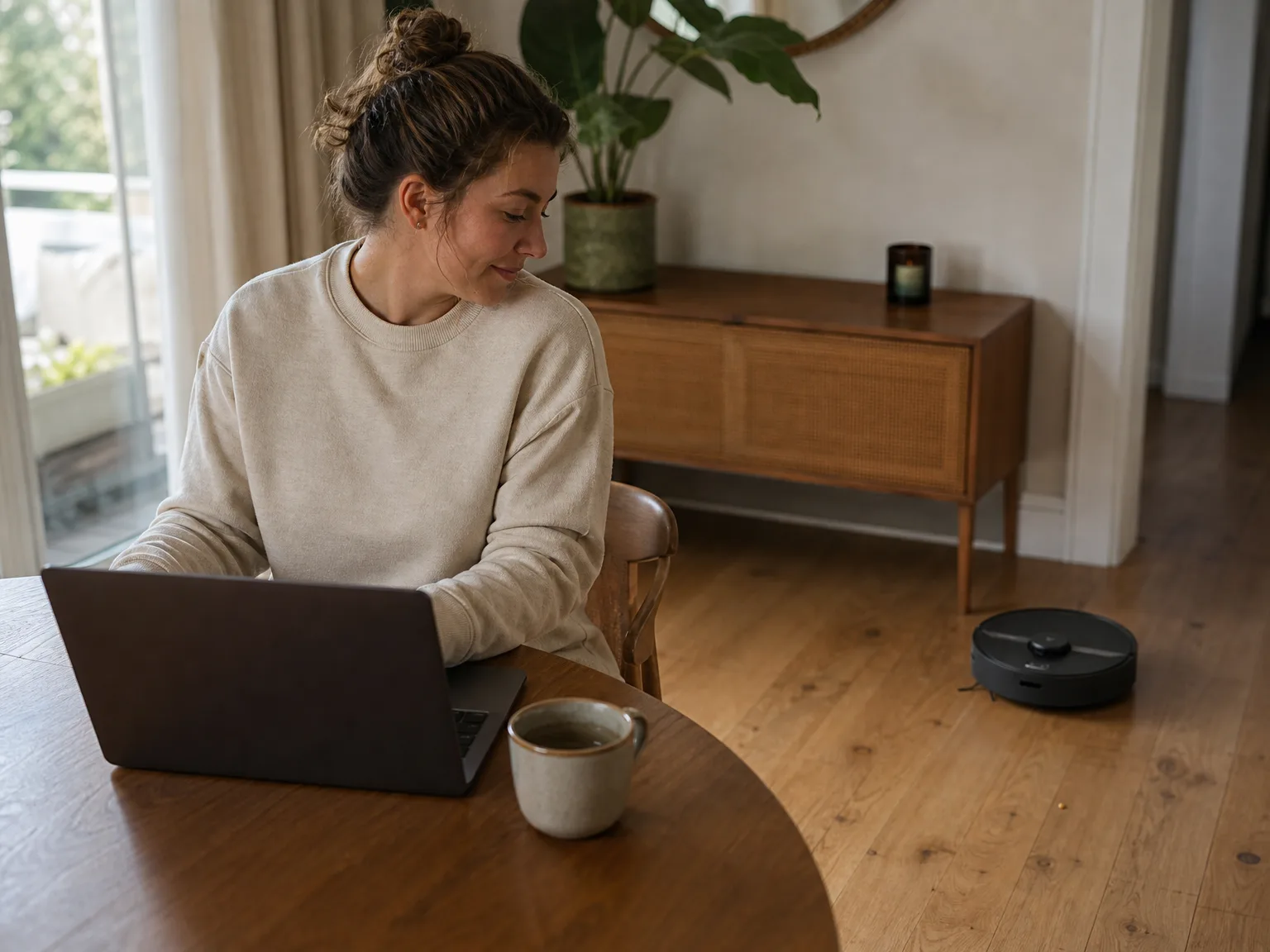
We scheduled it for 9 a.m. daily across a 700-square-foot main floor: tile kitchen, hardwood living and dining, one low-pile wool rug. On balanced mode it finished the whole floor in about 55 minutes and came back to the dock with charge left over. Transitions were the pleasant surprise. It rolled onto the rug without stalling and did not spin its wheels at the threshold strip between kitchen and hallway. The one place it needed help was a cluster of dining chairs with low crossbars, where it wedged its turret twice in three weeks. Pushing the chairs in before the run fixed it. On days with more traffic we bumped it to max mode, which cost roughly a third of the runtime but noticeably improved the rug pass.
One shedding cat is fine. Two dogs would not be.
With a single medium-shedding cat, the daily routine worked: run at 9, empty the bin when we got home, done in 20 seconds. The bin came out about two-thirds full most days, which is close enough to the limit that a skipped day showed up on the floor. That is the whole argument against this robot for heavy-shedding households. Two dogs, or a cat plus a dog, generate more hair per run than the bin holds, and without a full-bin warning you have no way to know it stopped collecting halfway through the kitchen. If that is your house, either commit to emptying it before every single run or buy a robot with a self-emptying dock and stop thinking about it.
Quiet enough for a work call on balanced mode
On quiet and balanced modes it sits in the background. We took video calls in the next room with the door open and nobody asked what the noise was. In the same room, you can hold a conversation or watch TV without touching the volume. Max mode is a different story: it reads like a regular upright vacuum, loud enough that you will move to another room or wait it out. Because the schedule runs while you are out of the house anyway, this mostly matters for the nap-time crowd. If you have a baby on a midday schedule, run it on quiet mode and give it the extra time.
How it compares to alternatives
The closest sibling is the Roborock S4 Max, which runs the same 2,000Pa lidar formula without a mop. In our testing it cleaned the same and skipped the water tank entirely, so the tank never leaks onto a hardwood floor and there is no pad to rinse. If the mop pass sounds like a chore you will stop doing after two weeks, buy the vacuum-only version. The Roborock S5 Max sits a step above in the same lidar family with better mop control, and our testing landed on the same conclusion about what that mop can and cannot do.
If pet hair on carpet is your actual problem, the Roborock Q7 M5 is the more honest answer. It is rated at 10,000Pa, five times this robot's suction, and it pulled embedded fur out of low-pile rugs that this one only surfaced. It has the same small-bin issue, so you are trading up on suction only, not on convenience.
The convenience upgrade is a dock that empties itself. The iRobot Roomba 105 Vac holds weeks of debris in its AutoEmpty base and drops mopping altogether, which is the right trade for a shedding household that never wanted a wet pad. If you have two or more heavy shedders, get a self-emptying robot instead. No amount of suction fixes a bin you have to remember to empty.
Who should buy it
This is a good fit for a household with mixed flooring, one pet or none, and a floor plan that has confused cheaper robots. You want the map, the no-go zones, and the room-by-room control, and you are fine emptying a small bin as part of the evening routine. Multi-floor homes get real value here too, since the robot recognizes which of three stored maps it is on when you carry it up or down the stairs.
Look elsewhere if you have two or more heavy-shedding pets, thick carpet throughout, or a floor that needs actual scrubbing rather than dusting. The bin will beat you on hair volume, 2,000Pa will not reach into deep pile, and the mop pad has no scrubbing action behind it. A self-emptying dock or a higher-suction model solves the first two problems, and nothing in the robot category yet solves the third as well as ten minutes with a real mop.
What you get for the money is the navigation, and that is worth more than most spec sheets suggest. Precise lidar mapping, dependable no-go zones, and gentle handling of your furniture are the features you notice every day. Suction numbers are the ones you notice once, on the box.
FAQ
How long does the battery last on a single charge?
Up to 3 hours on quiet mode by the manufacturer's rating. In mixed cleaning on balanced mode, expect about 90 minutes, which covered a 700-square-foot floor with charge to spare in our testing. If the battery runs low mid-job, the robot docks, recharges, and resumes where it left off.
Is it quiet enough to run while watching TV or working from home?
Yes on quiet and balanced modes. You can hold a conversation or keep the TV at a normal volume in the same room. Max mode is noticeably louder, closer to a regular upright vacuum, so save it for times when the house is empty.
Does the mop function replace manual mopping?
No. The mop lays down a light, even film of water that picks up fine dust and keeps already-clean floors looking fresh. It will not scrub away stuck-on spills or dried grime. Think of it as a dusting pass, and keep mopping by hand every week or two.
Can it clean multiple floors and remember their layouts?
Yes. The app stores maps for up to three floors, and the robot detects which floor it is on and loads the right map. Your no-go zones and room labels carry over per floor, so you set each one up once.
How often do you have to empty the dust bin?
Daily in a home with one shedding pet, and there is no full-bin alert to remind you. The bin is small, and once it fills the robot keeps running its route while pushing debris around instead of collecting it. If you cannot commit to emptying it before each scheduled run, a robot with a self-emptying dock is the better buy.
Does long hair tangle in the brush?
Yes, and it is the least pleasant part of ownership. Long human hair wraps tightly around the ends of the main brush and needs scissors to cut free. Check the roller weekly. Short pet fur behaves much better and mostly ends up in the bin.
Bottom line
Buy this one for the navigation. It maps a mixed-flooring home properly, cleans in tidy rows, respects the zones you draw, and treats your furniture with more care than robots twice its suction rating. The two things to accept before you order are a small bin you empty daily and a mop that dusts rather than scrubs. If you have one pet or none, that trade is easy. If your house has two heavy shedders, put your money toward a robot with a dock that empties itself and skip this one.
Ready to buy?
roborock Robot Vacuum and Mop, Robotic Vacuum Cleaner with Lidar Navigation, 2000Pa Suction, Wi-Fi Connected, No-go Zones, Multi-Floor Mapping, Selective Room Cleaning, Ideal for Home with Pets
In this article
- At a glance
- What we liked
- Lidar mapping cleans in rows instead of random loops
- It slows down for furniture instead of shoving it
- No-go zones and room selection put you in charge
- Suction holds steady from tile to medium-pile carpet
- Where it falls short
- The dust bin fills fast and never tells you
- Long hair wraps tightly around the brush ends
- Mopping is a wipe, not a scrub
- The app asks for more permissions than it should
- Real-world performance
- Three weeks on tile, hardwood, and a low-pile rug
- One shedding cat is fine. Two dogs would not be.
- Quiet enough for a work call on balanced mode
- How it compares to alternatives
- Who should buy it
- FAQ
- How long does the battery last on a single charge?
- Is it quiet enough to run while watching TV or working from home?
- Does the mop function replace manual mopping?
- Can it clean multiple floors and remember their layouts?
- How often do you have to empty the dust bin?
- Does long hair tangle in the brush?
- Bottom line
Keep reading
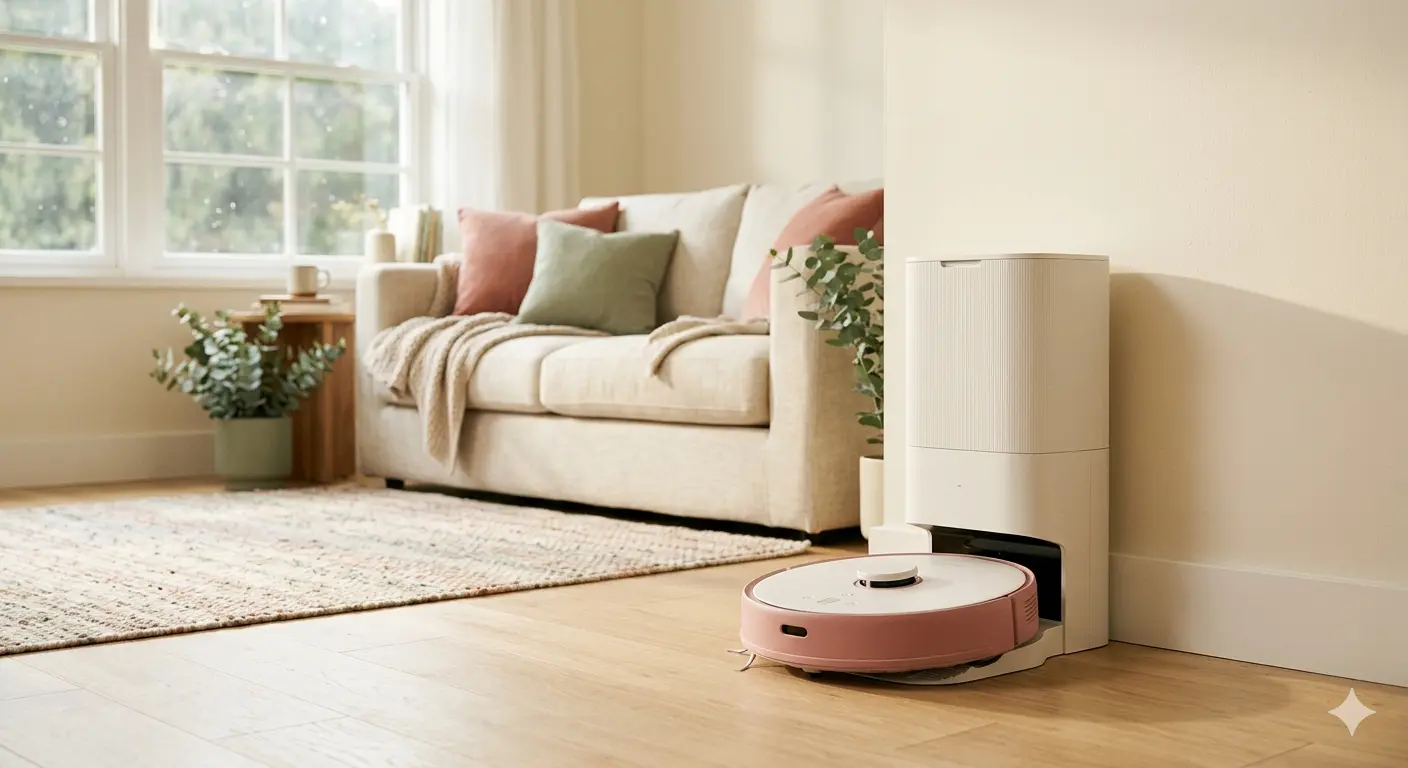
6 Best Self-Emptying Robot Vacuums for Busy Homes (2026)
We tested six self-emptying robot vacuums that go weeks without a touch. Honest picks for busy homes, from a slim Eufy to a self-washing mop dock from Roborock.
iRobot Roomba 105 Vac Review: What You Give Up When You Skip the Dock
We ran the dockless Roomba 105 Vac for three weeks in a real apartment. The big bin and LiDAR row cleaning impress, but the battery and app hold it back.
iRobot Roomba 675 Review: Pet Hair Tested for 6 Weeks
We ran the iRobot Roomba 675 for six weeks in a home with a shedding cat, across hardwood, tile, and a low-pile rug. Honest take on the bumping and the brush hair.