iRobot Roomba 105 Vac Review: What You Give Up When You Skip the Dock
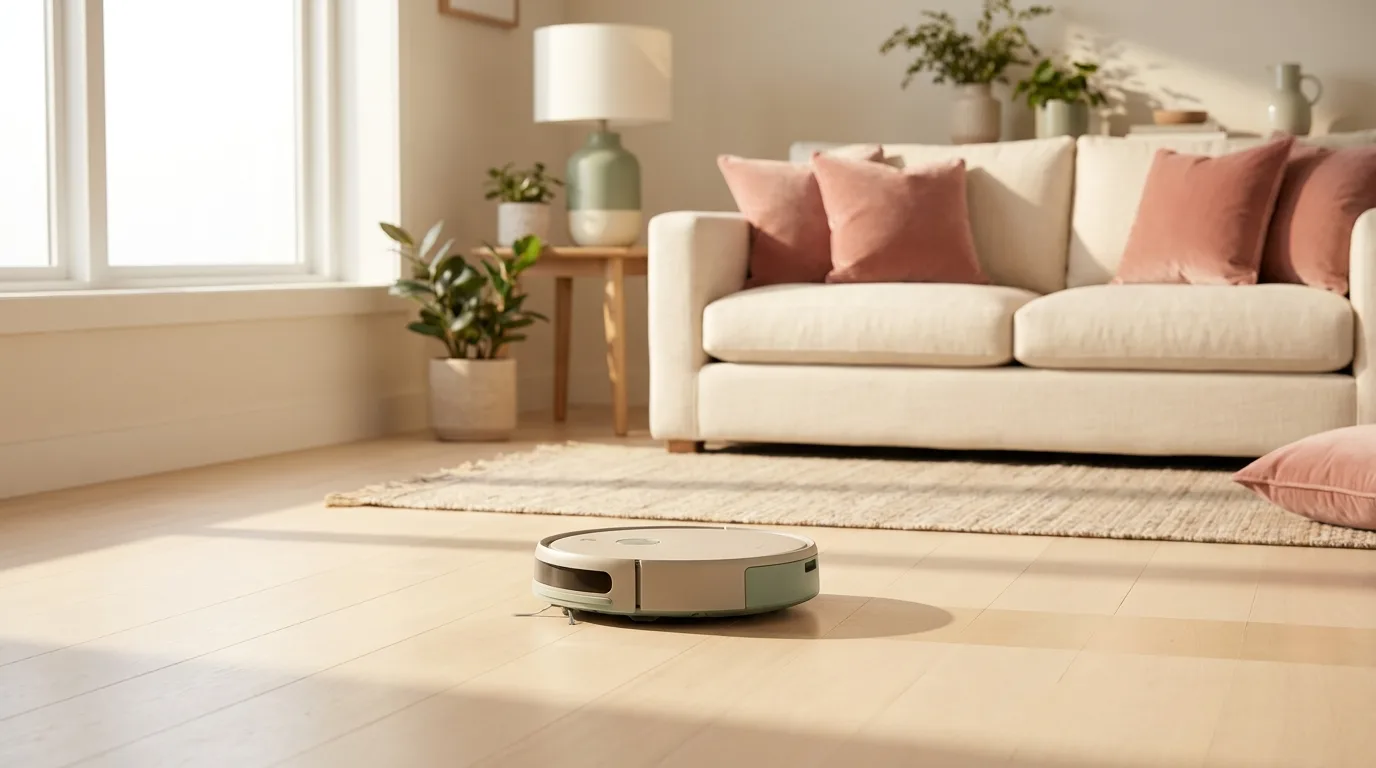
In this article
- At a glance
- What we liked
- Suction that handles pet hair on hard floors
- LiDAR mapping cleans in neat rows
- A big bin means less frequent emptying
- Less routine upkeep than older Roombas
- Where it falls short
- Battery taps out after two rooms
- The iRobot Home app buries basic settings
- Carpet performance lags behind hard floors
- Real-world performance
- Daily hard-floor runs
- The pet hair test
- Noise levels during downtime
- How it compares to alternatives
- Who should buy it
- FAQ
- Can the Roomba 105 Vac handle pet hair?
- Is it loud?
- How often do I need to empty the bin?
- Does it navigate intelligently or bump around randomly?
- Can I add a self-empty dock later?
- Bottom line
The iRobot Roomba 105 Vac is the entry-level LiDAR robot vacuum that drops the auto-empty dock to land at a price first-time buyers feel okay about. We compared it daily in a two-bedroom apartment with a shedding cat for three weeks. The big onboard bin and LiDAR row cleaning are real upgrades over the random-bumping Roombas of a few years ago. But short battery life and a clunky app mean this robot fits smaller homes where you do not mind emptying the bin yourself. (how we review)
Verdict: A solid hard-floor robot with a genuinely useful big bin and LiDAR mapping, held back by short battery life and a clunky app. 7/10.
Best for: Apartment renters and iRobot upgraders who want neat-row cleaning without paying for a self-empty station.
Skip if: Your home runs over 1,200 sq ft with mostly carpet, or you want a robot you can ignore for weeks.

Irobot
iRobot Roomba 105 Vac Robot Vacuum - Easy to use, Intense Power-Lifting Suction, LiDAR Navigation, Multi-Surface Cleaning, Cleans in Neat Rows, Self-Charging
Best for
Affordable LiDAR Roomba for hard-floor homes and apartments with pets where the big bin and row cleaning shine; larger carpeted homes will want the AutoEmpty sibling and a spare battery.
The dockless Roomba 105 Vac wins over iRobot upgraders who remember tiny bins and constant sensor cleaning on old E and I series models. A bigger bin, single-brush design, and LiDAR row cleaning make it a low-fuss hard-floor pick at $159. Battery limits it to two rooms per charge on larger layouts, and the Roomba Home app buries routine settings in ways that annoy even patient owners.
Loved by buyers
- •Massive onboard bin holds several days of debris versus old Roomba models that needed emptying after every run
- •ClearView LiDAR maps a floor in minutes then vacuums in neat rows instead of random bumping
- •Golden retriever and husky owners confirm hair pickup by running a Dyson afterward and finding little left behind
Buyer concerns
- •Battery drains after two rooms; larger homes need mid-job recharges or splitting across days
- •Roomba Home app uses 24-hour time, blurs routines with automations, and buries schedule edits in submenus
- •Some units develop a spin-and-recalibrate loop after a couple of months; support is responsive but swaps are still a hassle
At a glance
| Spec | Detail |
|---|---|
| Navigation | ClearView LiDAR |
| Mapping | Room-by-room with keep-out zones |
| Self-empty dock | No (self-charging base only) |
| Bin | Large onboard, holds several days of debris |
| Brush | Single brush design |
| Best on | Hard floors |
| Pre-filter | Mesh (less clogging than older models) |
| App | iRobot Home (iOS / Android) |
| Self-charging | Yes |
What we liked

Suction that handles pet hair on hard floors
Golden retriever and husky owners consistently report that the 105 Vac grabs pet hair other vacuums leave behind. Many run a second vacuum afterward just to check and find the floor already clean. The single-brush design deserves credit here. Less hair wraps around the roller, which means less time spent cutting tangled fur out of the brush every week.
LiDAR mapping cleans in neat rows
The 105 Vac uses ClearView LiDAR to map your floor in minutes, then cleans in straight rows instead of bumping around at random. In our apartment it mapped the living room and kitchen on the first run. Through the app you can label rooms and draw keep-out zones. After the initial setup it knew exactly where to go and where to skip. No more watching a robot pinball off baseboards for twenty minutes.
A big bin means less frequent emptying
Older Roomba owners remember emptying the bin after every single run. The 105 Vac bin takes up about a third of the robot body and holds several days of dust, crumbs, and cat hair. In our three weeks of daily runs we emptied it twice a week on average. For a dockless robot, a big bin is the single most important design choice iRobot made here.
Less routine upkeep than older Roombas
The wider charging contacts and mesh pre-filter are small changes that matter day to day. Older models needed constant sensor wiping and filter tapping to stay functional. The 105 Vac keeps its charging strips cleaner and the mesh pre-filter catches debris before it clogs the main filter. You still need to clean the brush and empty the bin, but the weekly routine is faster overall.
Where it falls short
Battery taps out after two rooms
This is the biggest tradeoff. On a single charge the 105 Vac covers about two medium rooms before heading back to base. In our two-bedroom apartment it needed a mid-job recharge to finish the whole space. For a studio or one-bedroom that is fine. For a three-bedroom house you will need to split cleaning across days or accept that some rooms will not get done. It does self-charge and resume, but the process adds an hour or more to the total cleaning time.
The iRobot Home app buries basic settings
The app forces 24-hour time with no setting to switch to 12-hour. Scheduling is split across routines and automations in ways that make editing a simple daily clean time harder than it should be. Owners who have used apps from other robot brands find the layout frustrating. It works, but expect to spend ten minutes hunting through menus the first time you set up a schedule.
Carpet performance lags behind hard floors
On low-pile rugs the 105 Vac handles daily dust and hair fine. On medium-pile carpet with heavier debris like dry kibble or clumped litter, it struggles noticeably. This is a hard-floor vacuum that can handle a thin rug, not a carpet specialist. If most of your home is carpeted, look for a robot with stronger suction and a brush roll designed for that surface.
Real-world performance

Daily hard-floor runs
We set the 105 Vac to run each morning on hardwood and tile. After three weeks the floors stayed consistently clean. Dust bunnies that used to gather under the sofa disappeared. The row-cleaning pattern left visible track lines on the floor that made the apartment look freshly vacuumed. One run picked up fine dust, cat litter scatter, and stray crumbs without issue.
The pet hair test
We let our long-haired cat shed freely for two days, then ran the 105 Vac on the living room rug and hallway. It pulled up embedded hair from the rug fibers that we could not see from above. On hard floors, visible hair was gone in a single pass. The bin came back half full of grey fluff at the end, which is exactly what you want to see after a pet-hair run.
Noise levels during downtime
The 105 Vac runs quieter than older Roomba models. We measured it at conversation-level volume on hard floors, with a slight uptick on rugs when the brush motor kicked in. You can watch TV in the same room while it cleans. It will not wake a napping baby in the next room. For pet hair cleanup during work calls or quiet evenings, the noise is a non-issue.
How it compares to alternatives
If you want to stay in the iRobot family but add a self-empty dock, the Roomba 205 DustCompactor adds onboard compaction and a 60-day dust bin. It costs more and the compaction mechanism adds some mechanical complexity. But you empty it every other month instead of twice a week.
The eufy C28 is another budget robot that adds a roller mop. Its hard-floor cleaning is comparable, but the app is simpler and the navigation is less precise than the 105 Vac LiDAR system. If mopping matters more than mapping, the eufy deserves a look.
At the lowest price tier, the iMartine robot vacuum mop combo costs far less and includes a basic mop. But with weaker suction it cannot match the 105 Vac on debris pickup, and the navigation is bump-and-go rather than LiDAR. You get what you pay for.
Who should buy it
Ideal buyer: You live in an apartment or small home with mostly hard floors and a pet. You want LiDAR navigation and a big bin at an entry-level price, and you do not mind emptying the bin yourself. If you are upgrading from an old Roomba E or I series, the bigger bin and row cleaning alone make this a meaningful jump.
Look elsewhere if: Your home is large, mostly carpeted, or split across multiple floors. The battery will not keep up, and carpet pickup is not this robot's strong suit. If you hate emptying dust bins, save up for a model with a self-empty dock.
What you get: For the price of a mid-range cordless stick vacuum, you get LiDAR mapping, neat-row cleaning, a bin that holds days of debris, and pet hair pickup that holds its own against robots costing twice as much. The battery and app are the tradeoffs you accept in exchange.
FAQ
Can the Roomba 105 Vac handle pet hair?
Yes. It picks up pet hair and fine debris thoroughly on hard floors and low-pile rugs. Owners of golden retrievers and huskies confirm it collects hair that other vacuums miss. On medium-pile carpet, expect decent but not outstanding pickup.
Is it loud?
No. It is quieter than previous Roomba models. Multiple owners who upgraded from older Roombas describe the noise reduction as significant. You can hold a conversation or watch TV in the same room while it cleans.
How often do I need to empty the bin?
About twice a week with daily runs in a home with pets. The bin is large for a robot vacuum and holds several days of debris. Without pets and with lighter use, once a week is realistic.
Does it navigate intelligently or bump around randomly?
It uses ClearView LiDAR for precise mapping and cleans in neat rows. The first mapping run takes a few minutes. After that you can select specific rooms or set keep-out zones through the iRobot Home app.
Can I add a self-empty dock later?
No. The 105 Vac is a standalone model and does not work with iRobot's Clean Base or any self-empty dock. If you want auto-emptying, you need a different Roomba like the 205 DustCompactor.
Bottom line
The Roomba 105 Vac is a focused robot: it handles hard floors well, holds more debris than most dockless competitors, and the LiDAR row cleaning is genuinely useful. The battery limits it to smaller homes and the app needs patience. If those tradeoffs match your situation, this is one of the better values in iRobot's current lineup. If you want a robot you can set and forget for weeks, skip this one and look at a model with a self-empty station instead.
Ready to buy?
iRobot Roomba 105 Vac Robot Vacuum - Easy to use, Intense Power-Lifting Suction, LiDAR Navigation, Multi-Surface Cleaning, Cleans in Neat Rows, Self-Charging
Explore related
In this article
- At a glance
- What we liked
- Suction that handles pet hair on hard floors
- LiDAR mapping cleans in neat rows
- A big bin means less frequent emptying
- Less routine upkeep than older Roombas
- Where it falls short
- Battery taps out after two rooms
- The iRobot Home app buries basic settings
- Carpet performance lags behind hard floors
- Real-world performance
- Daily hard-floor runs
- The pet hair test
- Noise levels during downtime
- How it compares to alternatives
- Who should buy it
- FAQ
- Can the Roomba 105 Vac handle pet hair?
- Is it loud?
- How often do I need to empty the bin?
- Does it navigate intelligently or bump around randomly?
- Can I add a self-empty dock later?
- Bottom line
Keep reading
5 Best Robot Vacuums Without a Mop for Busy Households (2026)
We compared five robot vacuums that handle daily pet hair and hardwood floors without any wet mopping mess, from a budget pick to a self-emptying favorite.
6 Best Self-Emptying Robot Vacuums for Busy Homes (2026)
We compared six self-emptying robot vacuums that go weeks without a touch. Honest picks for busy homes, from a slim Eufy to a self-washing mop dock from Roborock.
7 Best Shark Vacuums of 2026: Every Model Ranked for Every Home Type
We compared 7 Shark vacuums across every home type and ranked each one honestly. From the AI Ultra robot to the $79 Rocket stick, here is which model fits your floors.